
AWS S3 to Cloudflare R2: Proven Way to Cut Image Cost (~$246/mo → ~$0)
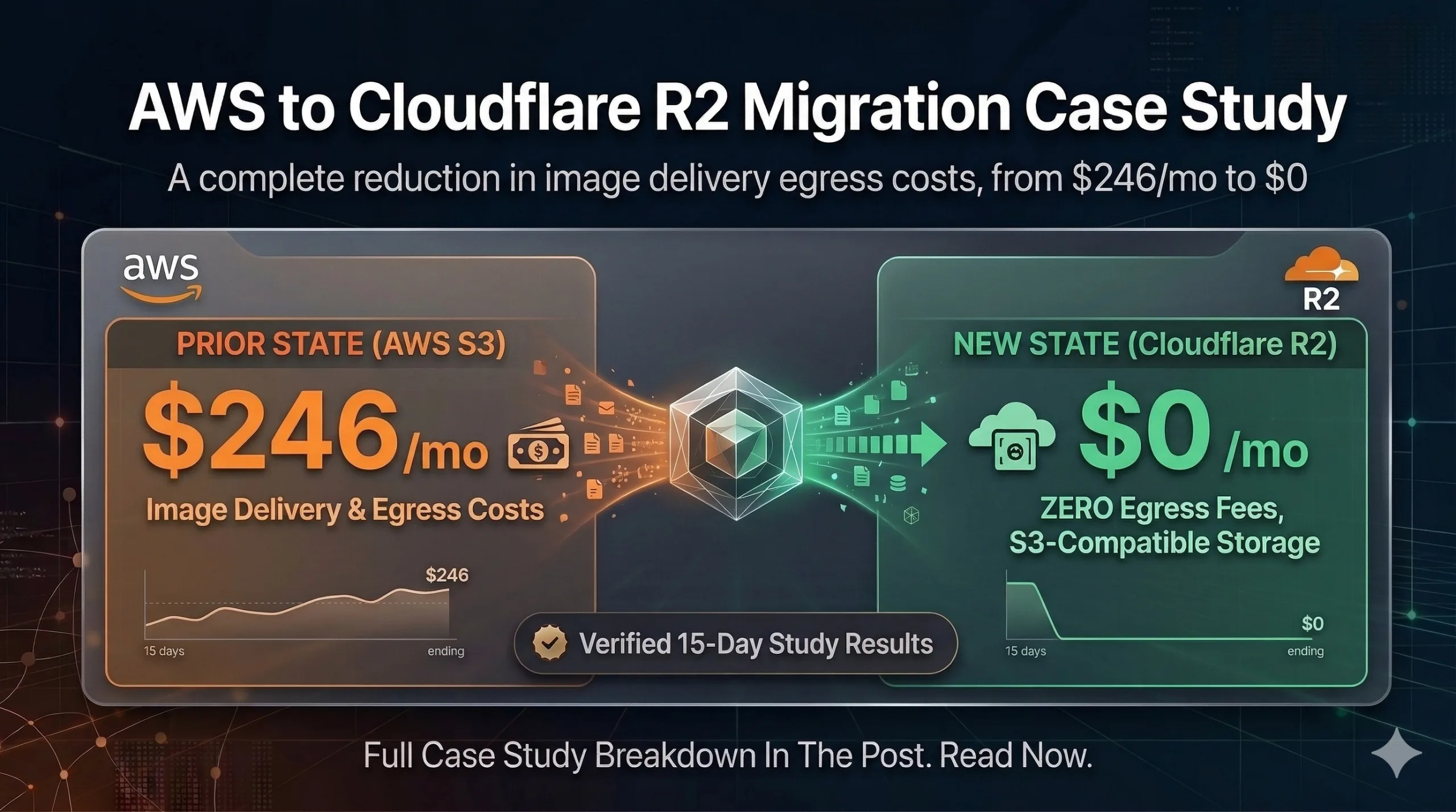
Table of Contents
AWS S3 to Cloudflare R2: How I Cut Image Delivery Cost From ~$246/Month to ~$0
AWS S3 to Cloudflare R2 migration fixes the usual trap: storage feels cheap, but image delivery is often dominated by data transfer out (egress), not GB stored.
Featured graphic for this AWS S3 to Cloudflare R2 image cost savings case study (invoice-backed figures below).
AWS S3 to Cloudflare R2 was my path to image cost savings at scale: same object paths, new R2 origin, Cloudflare edge cache, and a stable custom domain for every image URL.
In this write-up, I moved image storage from AWS S3 to Cloudflare R2 and routed traffic through Cloudflare edge caching. I planned and executed this migration end to end myself—architecture, cutover, cache rules, app changes, and verification.
Outcome: monthly image delivery cost fell from about $246/month (invoice-backed) to ~$0/month, while R2 storage stayed very low.
Confidentiality note: project/client identifiers (domains, bucket names, internal URLs) are intentionally anonymized.
The problem (why my AWS bill was high)
Before the change, my app served images from an AWS-origin setup (S3/CloudFront). Storage was moderate (~50GB), but image requests were frequent enough that data transfer OUT dominated the bill.
Symptoms I wanted to fix:
- High monthly AWS cost mainly caused by image traffic/egress
- During the initial cutover, ~450K RPM was pulling directly from AWS S3 because caching rules were not yet taking effect
- Unpredictable performance during cache misses
- More complexity in keeping image URLs consistent across the website and dashboard
The goal
- Keep the same folder structure and object paths so the migration is safe
- Serve images through Cloudflare for faster delivery and lower origin traffic
- Make sure overwriting an existing image path always shows the latest content (cache correctness)
The solution (what I changed)
I implemented five parts:
- Storage migration: AWS S3 → Cloudflare R2
- Delivery migration: use a Cloudflare custom domain for all images — base URL example:
https://images.yourdomain.com - Cache strategy: Cloudflare Cache Rules with folder-based TTL (weekly vs monthly)
- Cache correctness: cache-busting via URL version query:
?v=<updated_at> - App update: website + dashboard use the same base URL (so everything benefits from edge caching)
Architecture: before vs after
Before (AWS origin): User/App → CloudFront (CDN) → S3 → Internet.
Cost driver: S3 egress / data transfer OUT.
After (Cloudflare edge + R2): User/App → Cloudflare Edge (cache + DDoS) → R2 (only on cache miss / TTL expiry) → Internet.
Cost driver: very low R2 storage plus Cloudflare edge delivery (R2 egress effectively $0 for this pattern).
Migration steps (S3 → R2)
Step 1: Create the R2 bucket
- Bucket name:
R2_BUCKET_NAME
Step 2: Create an R2 API token
- Permissions: Object Read & Write
- Scope: apply to the specific bucket only
- Save: Access Key ID, Secret Access Key, and the R2 endpoint
Step 3: Get AWS S3 credentials (source for migration)
- Create/use an IAM user with read permissions for the S3 bucket
- Save: S3 bucket name, region (e.g.
ap-southeast-1), Access Key ID + Secret
Step 4: Run migration (S3 → R2)
I migrated the bulk (~58GB) using Cloudflare’s S3 → R2 migration tool. The transfer completed in ~30 minutes.
End-to-end setup (bucket/custom domain + app base URL + cache configuration/deployment) took ~1 day.
If you need resume support or incremental sync later, use a migration helper that can skip already-copied objects using your saved credentials.
Step 5: Enable public delivery (custom domain recommended)
- Option A: Public R2 development URL (quick testing)
- Option B (recommended): Custom domain, e.g.
images.yourdomain.com
I enabled the custom domain: https://images.yourdomain.com
CORS (only if needed): If your frontend uses fetch() to download image bytes, you may need an R2 CORS policy. For plain <img src> rendering, CORS usually isn’t an issue.
Step 6: Update the app base URL
Replace the old image base URL everywhere with https://images.yourdomain.com. Object paths stay the same; only the base/origin URL changes.
Next.js integration:
NEXT_PUBLIC_IMAGE_BASE_URL=https://images.yourdomain.comconst imageUrl = `${process.env.NEXT_PUBLIC_IMAGE_BASE_URL}/${imagePath}`;If using next/image, configure the remote image hostname in your Next.js image settings.
Step 7 (optional): Redirect old S3/CloudFront URLs
If URLs are still cached by users or external systems, redirect old URLs to the new base URL (e.g. 301).
Step 8: Verify and then decommission S3 (after confidence)
- Confirm image loading on the website pages and dashboard
- Test a sample of image paths
- (Optional) Verify edge caching in DevTools:
cf-cache-status: HITon repeat requests - Monitor for errors for 1–2 weeks
- Then stop relying on S3 reads (and optionally archive/delete the bucket when stable)
Ongoing upload strategy (so savings don’t regress)
- Option A: Keep uploading to S3 and periodically sync to R2 (cron/worker).
- Option B: Upload directly to R2 (S3-compatible endpoint), so new images appear immediately.
Cloudflare Cache Rules (what made it cheap)
Caching for R2 images is controlled by Cloudflare zone settings, not inside the R2 bucket.
Image hostname example: images.yourdomain.com. Ensure the DNS record is proxied (orange cloud) so Cache Rules apply.
I used two rules (weekly rule first, then monthly catch-all):
Rule 1: Weekly folders (7-day TTL)
Rule name: r2-images-weekly-folders
(http.host eq "images.yourdomain.com" and (starts_with(http.request.uri.path, "/Banners/") or starts_with(http.request.uri.path, "/Home_Page_Appearance/")))- Cache eligibility: Eligible for cache
- Edge TTL: 604800 (7 days)
- Ignore origin
Cache-Control; optional browser TTL (e.g. 1 day)
Rule 2: Everything else (30-day TTL)
Rule name: r2-images-monthly
(http.host eq "images.yourdomain.com")- Cache eligibility: Eligible for cache
- Edge TTL: 2592000 (30 days)
- Ignore origin
Cache-Control; optional browser TTL (e.g. 7 days)
Cache correctness: same-path overwrites
If you overwrite an object at the same path, the edge may serve the cached copy until TTL expires. Use a version in the URL, for example:
const imageUrl = `https://images.yourdomain.com/${imagePath}?v=${updatedAt}`;When updatedAt changes, the URL changes and the edge fetches the latest object.
Results (what I achieved)
- Before cache rules: AWS invoice (Dec 1–Dec 31, 2025): S3 = $25.97, Data Transfer = $220.49 (combined ~$246) with ~450K RPM hitting S3 directly.
- S3 breakdown: Tier1 PUT/COPY/POST/LIST 3,681 requests → $0.02; Tier2 GET/other 61,722,684 requests → $24.69; storage 50.512 GB-Mo → $1.26.
- After deployment: Edge-cached delivery; R2 “Data Retrieved” at 0B; ongoing image delivery ~$0/month.
- Cloudflare R2 invoice (referenced billing period): $0.51 USD total.
- R2 metrics (verification): avg storage ~58.83 GB, Data Retrieved 0 B.
Cost summary
| Period | S3 (storage + requests) | Data transfer | Total (image-related) |
|---|---|---|---|
| Dec 2025 (pre-cache) | $25.97 | $220.49 | $246.46 |
| Post-migration (Cloudflare) | ~$0.51 (R2 invoice period) | $0 (Data Retrieved 0B) | ~$0 |
Why it worked: I standardized on one image hostname on Cloudflare for all traffic; TTL matches update frequency; R2 is hit on cache miss/refresh only; cache-busting avoids stale overwrites.
Post-deployment verification (15 days)
I monitored bucket metrics and edge behavior for 15 days after enabling cache rules.
- Average storage: 58.83 GB
- Data Retrieved from R2: 0 B
- AWS (Jan 2026, comparison): S3 $0.00, Data Transfer $2.19
Lessons learned
- Treat caching as part of the migration, not an afterthought
- Use a single image base URL everywhere
- Folder-based TTL balances cost vs freshness
- Version query params when you overwrite the same object path
Frequently Asked Questions
Does Cloudflare R2 fully replace S3?
Yes for many object-storage workflows; delivery is typically via Cloudflare edge (custom domain or public R2 dev URL).
How do I migrate from S3 to R2?
Create an R2 bucket + token, copy objects preserving keys/paths, then update your app base URL and cache rules.
Can I avoid stale images when replacing files?
Yes — use ?v=<updated_at> or change the path when content updates.
Where are Cache Rules configured?
At the Cloudflare zone for the domain that hosts your image hostname, not inside the R2 bucket.